
AI coding agents: what changed and how to choose.


Eighteen months ago, coding agents in the terminal were a curiosity. Today there are more than a dozen, and they are changing how software teams work.
When Anthropic shipped Claude Code in February 2025, it was a curiosity. A coding agent that lived in your terminal, read your repository, ran your tests, and took its time. A year and a half later it is one of the most quietly successful developer-tool launches since the language server, the piece of plumbing that gave every editor the same autocomplete. Nearly every model lab, plus a long bench of open-source teams, has since shipped something with the same silhouette.
We use most of these tools at Script Lanes — not because we love novelty, but because clients keep asking which one to standardize on. The honest answer is harder than the question. So this is the field map we wish someone had handed us a year ago.
A note on framing: an earlier version of this piece was a survey of open-source tools. That aged badly within months — some of the most important agents are open source, some very much are not. What follows covers the whole category: AI coding agents.
The common design these tools now share
The coding agent is now a category, not a product. The shape is consistent enough to describe in a few lines. It is a long-running program with access to your files and your command line. You give it instructions in plain English; it plans, edits files in place, runs your tests, reads the output, and tries again. It uses tools the way a junior engineer does — one at a time, with intent — and tells you what it is about to do before it does it.
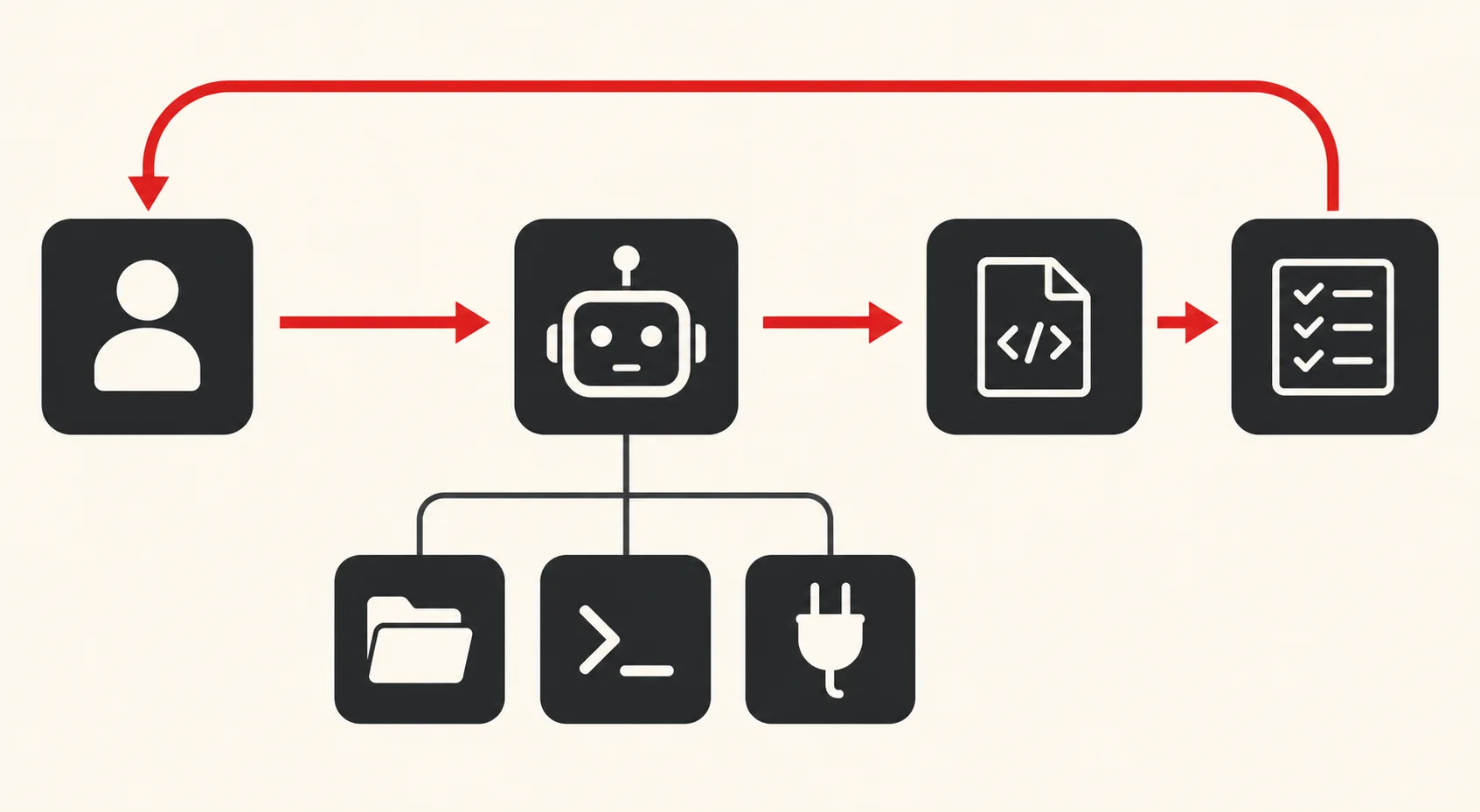
Underneath that loop, the building blocks have mostly settled. Tool use — a structured contract between the model and the world. Slash commands — user-defined verbs the agent can invoke. Hooks — fixed shell commands that fire on events. Plan mode — a separation between thinking and editing. MCP — the Model Context Protocol, an open standard most of the field now speaks, handed to the Linux Foundation in late 2025. Sub-agents — the loop calling itself.
The category is converging on those blocks, but matching feature lists do not mean matching behaviour. Two agents with identical checklists can feel completely different in the hand, because defaults and failure modes still vary a lot. The interesting differences live one level above the checklist.
A field map of the agents
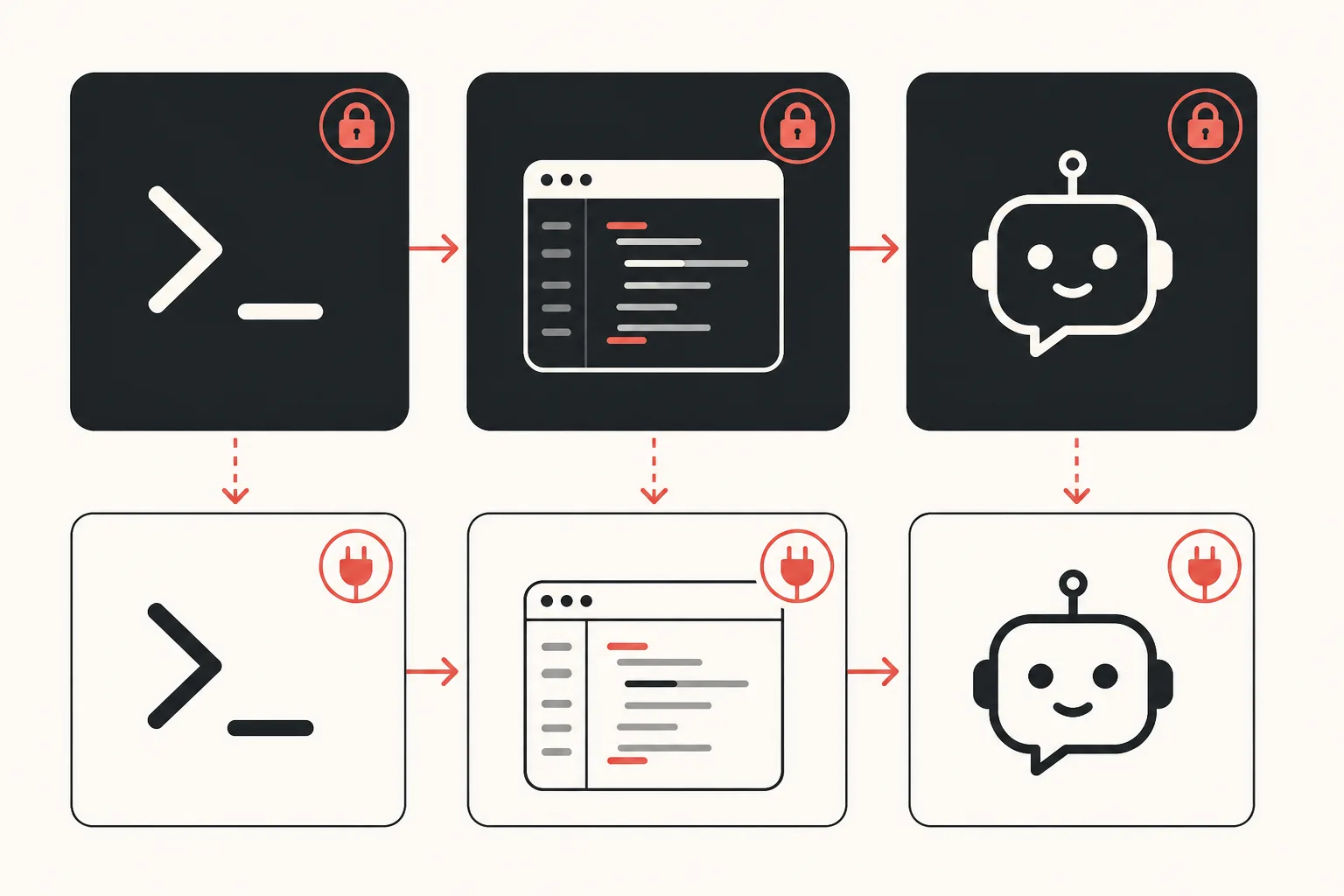
Here is the working short list, in roughly the order they showed up:
Aider is the senior of the bunch. It predates the current wave by well over a year and shaped a lot of the early thinking. Python, terminal-first, pair-programming-shaped, tightly tied to git — every change becomes a commit. It is still our default recommendation for solo developers who want predictable, tracked changes and don't want to learn another agent runtime.
OpenCode (the SST team's project) is the most prominent open-source one, and by GitHub stars the most popular agent of any kind. It is model-agnostic by design, and its terminal interface feels closer to Claude Code than anything else available. Plug in any provider; carry your conventions across them. We see this in client engagements where someone has signed an enterprise agreement with one model vendor but doesn't want their tooling locked to that contract.
Crush, from Charmbracelet, is the Go-based answer. Built with the same craft as their other terminal tools (it shows), multi-model, opinionated about presentation, weirdly satisfying to use. It is the one we hand to senior engineers who care about the texture of their tools.
Cline came up as the VS Code native, though calling it an editor extension is out of date — the project now spans the extension, a CLI, an SDK and team workflows. Its fork RooCode retired its own extension in May 2026 and pointed users back to Cline, which is worth knowing if you inherit a Roo setup. The core appeal is unchanged: the same loop as the terminal agents, but the diff lives where your team already reviews code. For teams whose default surface is the editor, that removes real friction.
Continue sat between Cline and the standalone CLIs: VS Code and JetBrains, prompts and rules kept as files in your repository, clean support for self-hosted models. It shipped a final release in June 2026 and its repository is now read-only, so treat it as a pattern worth copying rather than a tool to adopt.
Goose, started at Block and now run under the Linux Foundation's Agentic AI Foundation, is the agent platform variant. MCP-native from day one, built for organisational use rather than individual use, with a desktop app and a CLI. We see Goose more often in companies where AI tooling is owned by a platform team, not by individual developers.
And then the model labs themselves: Claude Code from Anthropic, Codex CLI from OpenAI, Gemini CLI from Google. These are provider CLIs in the end — most will talk to other models with varying degrees of grace, but each is built, tuned and priced to favor its own ecosystem. That's not a criticism. It's a fact to plan around.
What they share, where they diverge
The convergence story is real. Most of these tools now extend themselves through MCP servers, ship plan mode by some name, and offer slash commands as verbs you define yourself. Model choice is where the field genuinely splits. The independent tools — OpenCode, Crush, Goose, Aider — treat the provider as a setting you pick. The provider CLIs naturally favour their parent's models.
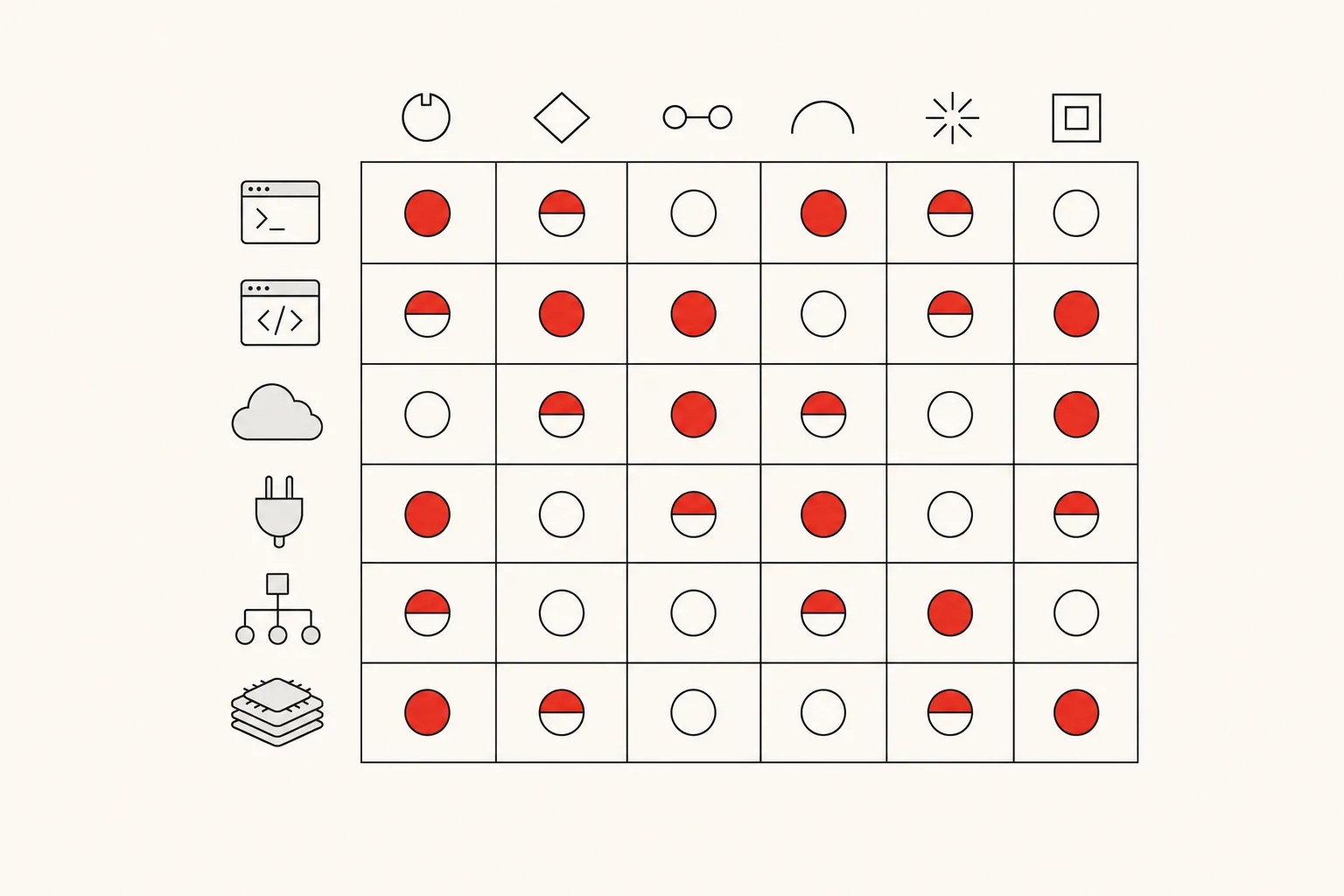
The divergence lives in the defaults. Where does the agent live — terminal, editor, IDE plugin, desktop app? How opinionated is the loop — does it decide what to do or wait for you to confirm? Who owns the conventions — the user, the team, or the vendor? How tightly is it bound to a particular model? What does it cost?
These are not technical questions. They are taste-and-policy questions. The technical surface area has stabilised so quickly that the differentiator is no longer "does this thing work"; it is "does this thing fit how we already work."
What this means for the industry
The first thing the open agents did was put price pressure on the original. Claude Code is excellent and not free. OpenCode is excellent and free. The case for the paid version is still real: better defaults, deeper integration with Anthropic's model strengths, and the small set of features that exist only because Anthropic ships the model and the tool together. But it is no longer a case you win by default. It has to be argued.
The second thing they did was make vendor lock-in much less frightening — not extinct. The conventions you build (slash commands, hooks, MCP servers, agent definitions) are now portable enough that moving a team is a project, not a rewrite. Switching costs are still real: prompts tuned to one model's habits, workflows shaped by one tool's defaults, a quarter of muscle memory. Open standards lower the wall; they don't remove it. Enterprise IT departments that twelve months ago wouldn't greenlight a coding agent now run three pilots in parallel — precisely because trying no longer feels like marrying.
The third thing is faster pattern propagation. A useful idea — sub-agents, plan mode, multi-edit diffs, in-loop test runners — ships into one tool, then shows up in three more inside a month. We watched plan mode go from a Claude Code feature to an industry-wide expectation in roughly ninety days. The category is iterating at the speed of one of its own loops.
What we tell clients
The temptation, when you see a dozen tools that do roughly the same thing, is to defer the decision. Pick everything. Let each developer choose. The cost of that shows up about six months in. There is no shared vocabulary, no shared library of slash commands, and no shared review process for what the agents are allowed to do. Every developer has reinvented the wheel slightly differently, and nobody can review anyone else's setup.
Our default advice is the inverse. Pick the workflow first, then the agent. Decide where your team wants the agent to live (terminal vs editor), how aggressively you want it to act (interactive vs autonomous), and what your shared library of tools and conventions should look like. Write that down. Then choose the agent whose defaults match it most closely, and commit to it for at least a quarter. If the underlying tool ages out, your conventions don't — that's the asset.
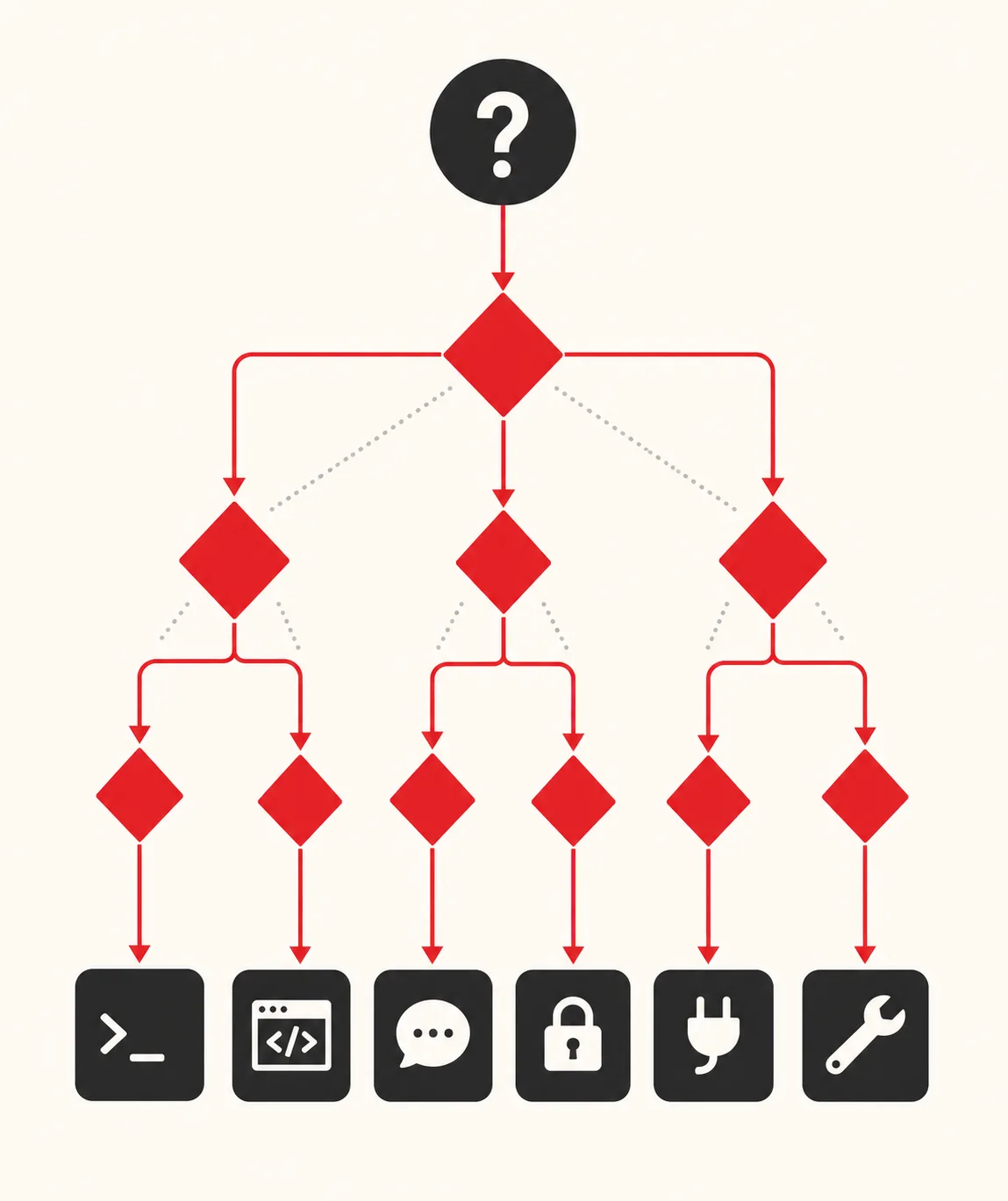
For most of our enterprise engagements that ends up being one of three. Claude Code, when the team is fluent and time-to-value matters. OpenCode, when vendor independence is a hard requirement. Cline, when the team lives in the editor and pulling them out of it is expensive. We rarely standardise on the model-lab CLIs unless the organisation has already standardised on the underlying model.
The fork is healthy
You can read the wave of open agents as a competitive failure for Claude Code. We don't. The honest read is that Anthropic invented a category, the category was good enough to be worth copying, and it matured in record time because everyone in it was building from the same recipe. The proprietary leader still ships the most polished version of that recipe. The open variants make the recipe permanent.

That is what a healthy developer-tools category looks like. It happened to web frameworks. It happened to package managers. It is now happening, faster than anyone expected, to the agent that sits next to you while you write code. Pick one. Commit to it. Document your conventions like the asset they are. The tool is the easy part to swap.
Found this useful? Build with us.
Tell us what you have in mind. Within 48 hours you'll hear back with an honest plan, clear pricing, and friendly, straight answers.
Start a projectStart a project