
React Native’s New Architecture: what actually changed for app teams.


The New Architecture is no longer an opt-in future. Modern React Native runs on it. Here is what changed, and what it means for app teams.
Why there was a New Architecture at all
React Native’s original architecture served the ecosystem for years. The weak point was the asynchronous bridge between JavaScript and native code. It limited how the two sides could talk to each other, and how newer rendering patterns could evolve.
The New Architecture rebuilds those foundations around three pieces: JSI, TurboModules and Fabric. Alongside them sits codegen — glue code generated automatically from typed definitions — so both sides agree on what they are passing each other.
JSI reduces the old bridge-shaped mental model
The old model was usually described like this: JavaScript turns a message into text, sends it across a bridge, and native code unpacks it at the other end. JSI, the JavaScript Interface, replaces that with a more direct link between JavaScript and the native side.
Most app developers never write JSI code themselves. The benefit is indirect: the framework and the native-module ecosystem now build on a more capable foundation.
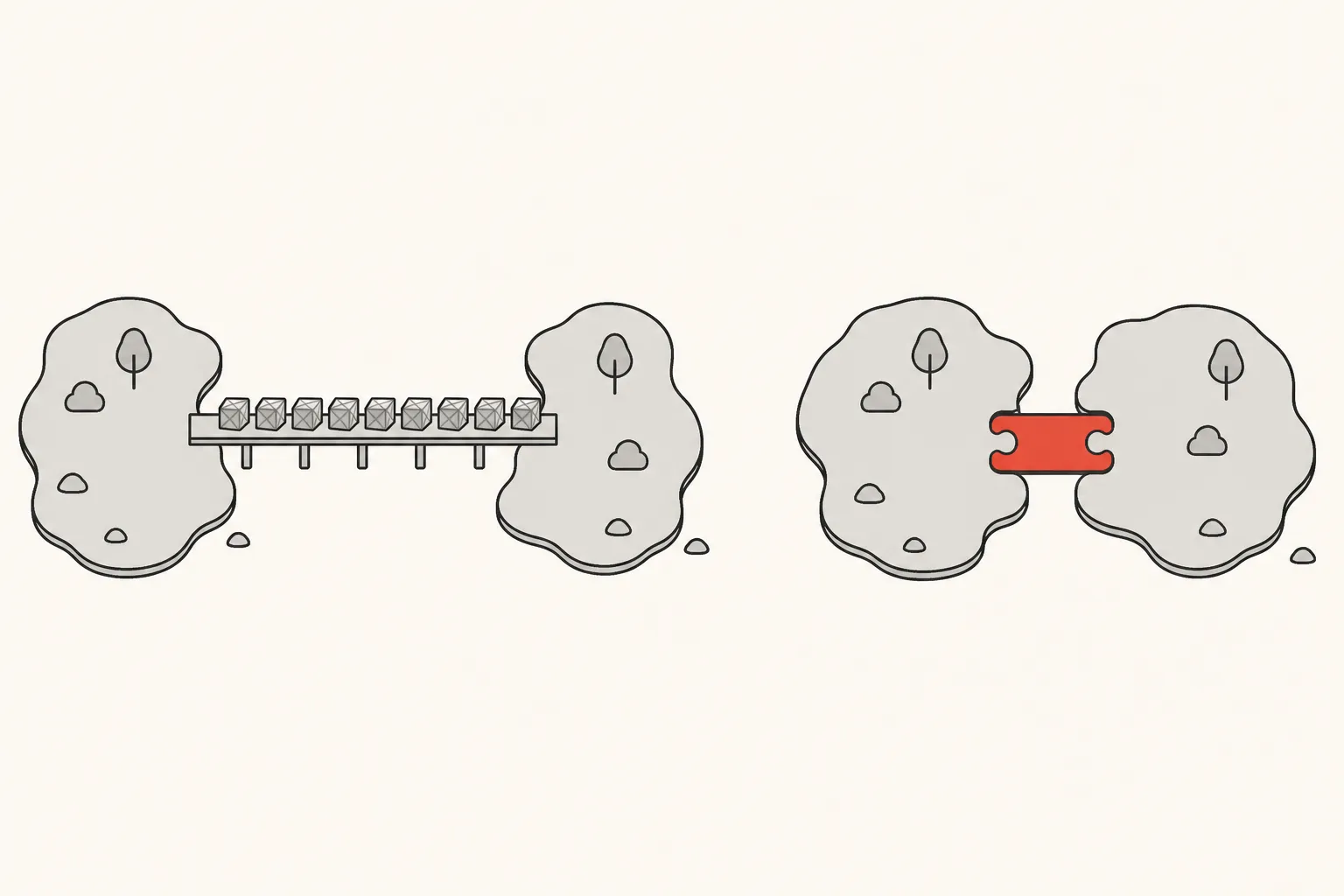
TurboModules modernise native modules
TurboModules are how the New Architecture hands native capabilities — the camera, storage, Bluetooth — to JavaScript. With codegen they come with typed interfaces, and they can load when a screen asks for them rather than all at app start.
The practical team question is library compatibility. A package that was comfortable in the legacy world now needs either a maintained New Architecture version or an interop layer that lets the old style keep working.
New Architecture compatibility is now the baseline, not the optional future.
Fabric changes the renderer
Fabric is the new rendering system: the part that turns your React components into real native views. It is built to work with modern React and to keep React and the native UI better in step.
Again, most product teams meet this through how the framework behaves, not by writing renderer code. But it changes which assumptions are safe when you maintain custom native components, or debug layout and performance.

React Native 0.82 made the transition real
React Native 0.82, released in October 2025, was the first version where the New Architecture is the only option. Apps could no longer switch back to the old one, though the legacy APIs and the interop layer stayed in place for a while longer. React Native 0.84 went further: it stripped out more legacy code and made Hermes V1 — the JavaScript engine React Native ships with — the default on iOS and Android.
So upgrade planning should now treat New Architecture compatibility as the baseline, not as an optional checkbox.
What app teams should do
Before the upgrade
- Audit every native dependency.
- Remove abandoned packages.
- Test custom native modules.
- Keep iOS and Android build tooling current.
- Measure startup, interaction and memory on the devices your users actually carry. An architecture change does not make every app faster on its own.
And upgrade incrementally. A version bump, three major native library replacements and a navigation rewrite in one pull request is not bravery. It is a future incident report.

What did not change
Good mobile engineering still depends on the same things: how the product is structured, how state is handled, how the app copes with a bad network, how it behaves offline where that matters, and how carefully releases and native code are managed.
The New Architecture improves the foundation. It does not replace engineering judgement.
Found this useful? Build with us.
Tell us what you have in mind. Within 48 hours you'll hear back with an honest plan, clear pricing, and friendly, straight answers.
Start a projectStart a project