
Next.js in production: the architecture decisions that actually matter.


Next.js is easy to start. Production architecture is what happens after the tutorial: caching, boundaries, authentication, data ownership, background work and deciding which parts of the framework should not own your entire system.
Start with rendering as a product decision
The first question is not ‘server or client?’ in the abstract. It is what the user needs from each page. Public marketing pages, logged-in dashboards, live collaboration screens and admin tools differ in how fast they must feel and how fresh their data must be.
The App Router — the Next.js routing model where pages render on the server by default — lets you mix server and browser rendering freely. Use that freedom deliberately. Do not push a whole page into the browser because one small part of it needs to remember a value.
Keep client components at interactive boundaries
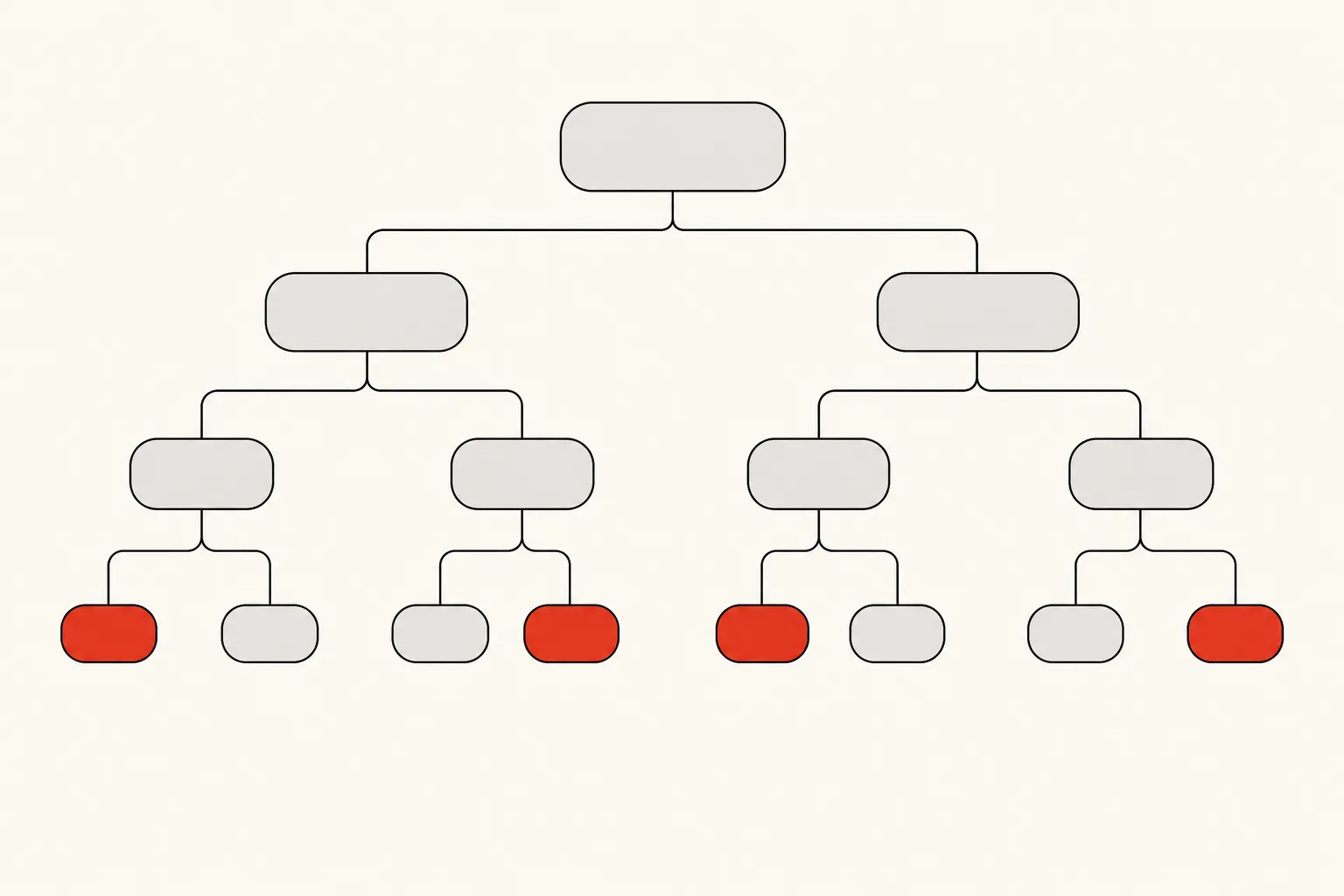
Client components — the parts marked to run in the browser — are the right choice for anything that responds to a click, holds state or reaches for a browser API. Push too much of the page into them and you ship more JavaScript, complicate data loading and give up the server-side advantages you picked the framework for.
A good default: keep the data-heavy and static parts on the server, and switch to the browser only where the user has to interact.
Treat caching as architecture, not magic
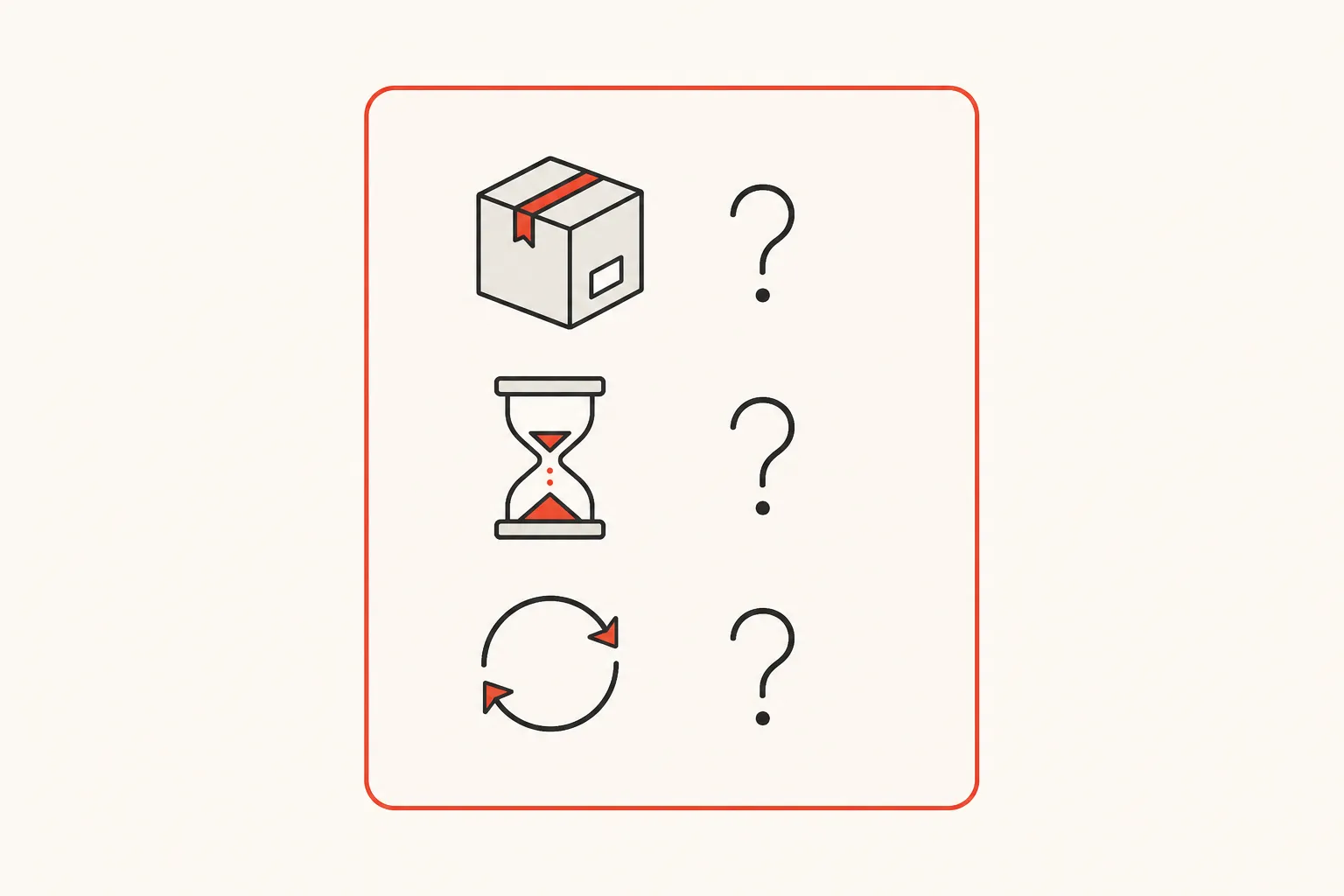
Caching improves performance until the team cannot explain why a user is seeing old data. Every cached path needs an answer to three questions:
Three questions for every cached path
- What is cached?
- How long can it be stale?
- What invalidates it?
If a workflow cannot live with slightly old data, do not cache it just because a benchmark looked better.
Choose where business logic lives
Next.js can run its own API endpoints and Server Actions — functions that run on the server when someone submits something. That does not mean every backend concern belongs inside the web app.
For smaller products, one full-stack Next.js codebase can be excellent. As a system grows, background jobs, mobile clients, outside integrations and extra services start to argue for a separate backend. Let the shape of the product decide, not fashion.
Caching is fast until nobody can explain why the user is seeing yesterday.
Authentication is a system, not a login form
Think through how long a session lasts, who is allowed to do what, role checks, keeping one customer’s data away from another’s, password recovery, device behaviour and the actions that change real data. Hiding a button is not authorization.
Keep permission checks next to the data or the action they protect. The screen can make the experience nicer. It should not be the security boundary.
Do not run durable jobs inside request lifetimes
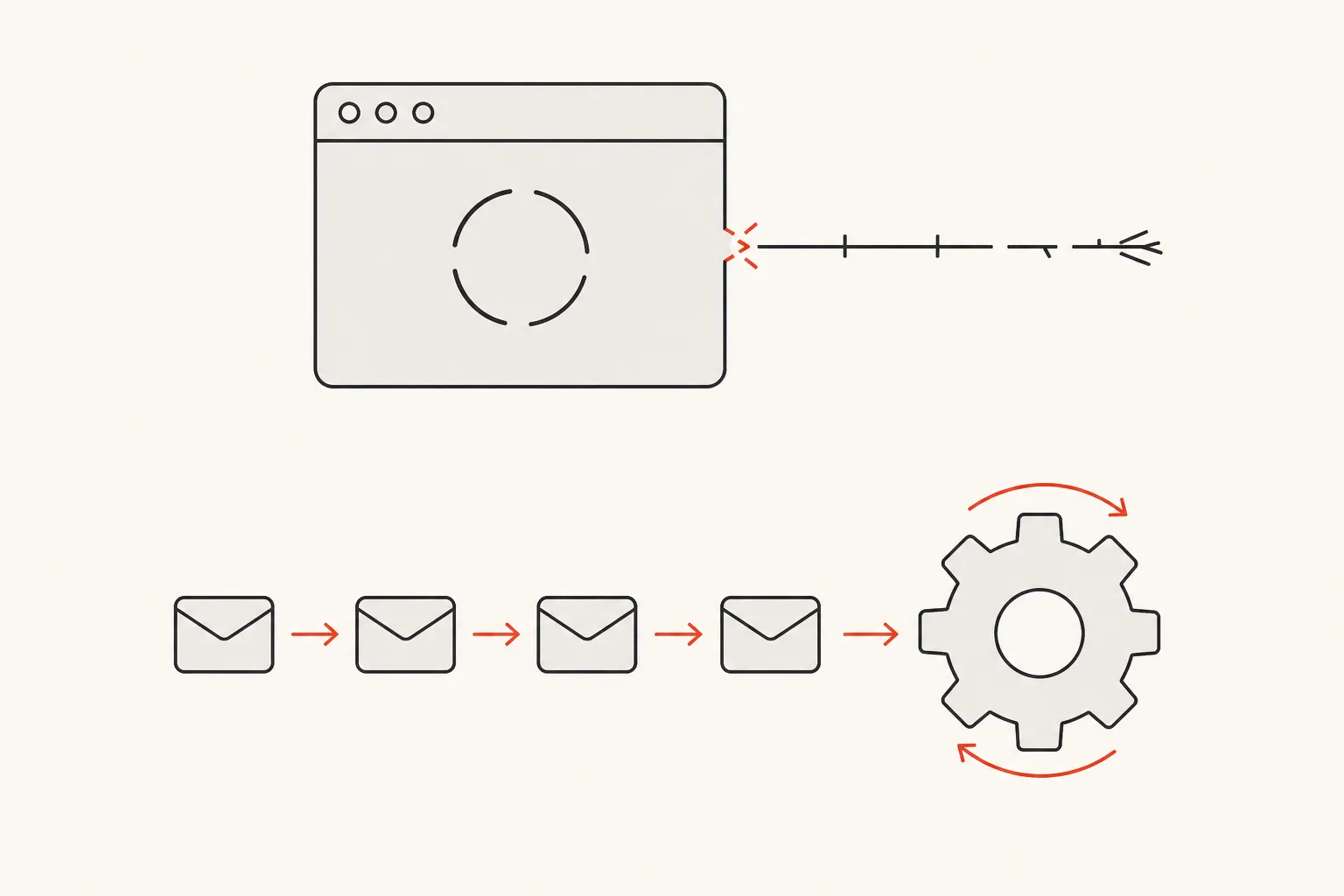
Report generation, bulk imports, long AI calls, video work and important webhooks have to finish even if the browser walks away. A user closing a tab should not decide whether accounting data gets processed.
Hand that work to a queue, a background worker or a managed job service — something that survives retries and deployments.
Observe the server and the browser
Real performance covers server timing, database queries, outside APIs, Core Web Vitals, JavaScript errors and the delay the user actually feels. A fast server response does not help if a giant JavaScript bundle makes the page feel slow, or if hydration — the step that wakes the page up in the browser — takes too long.
Measure the experience end to end.
The durable architecture is explicit
Next.js changes quickly, but the durable decisions are familiar: ownership, boundaries, freshness, security and failure handling. If the team can explain those clearly, framework upgrades become manageable. If it cannot, the version number is the least interesting problem.
Found this useful? Build with us.
Tell us what you have in mind. Within 48 hours you'll hear back with an honest plan, clear pricing, and friendly, straight answers.
Start a projectStart a project