
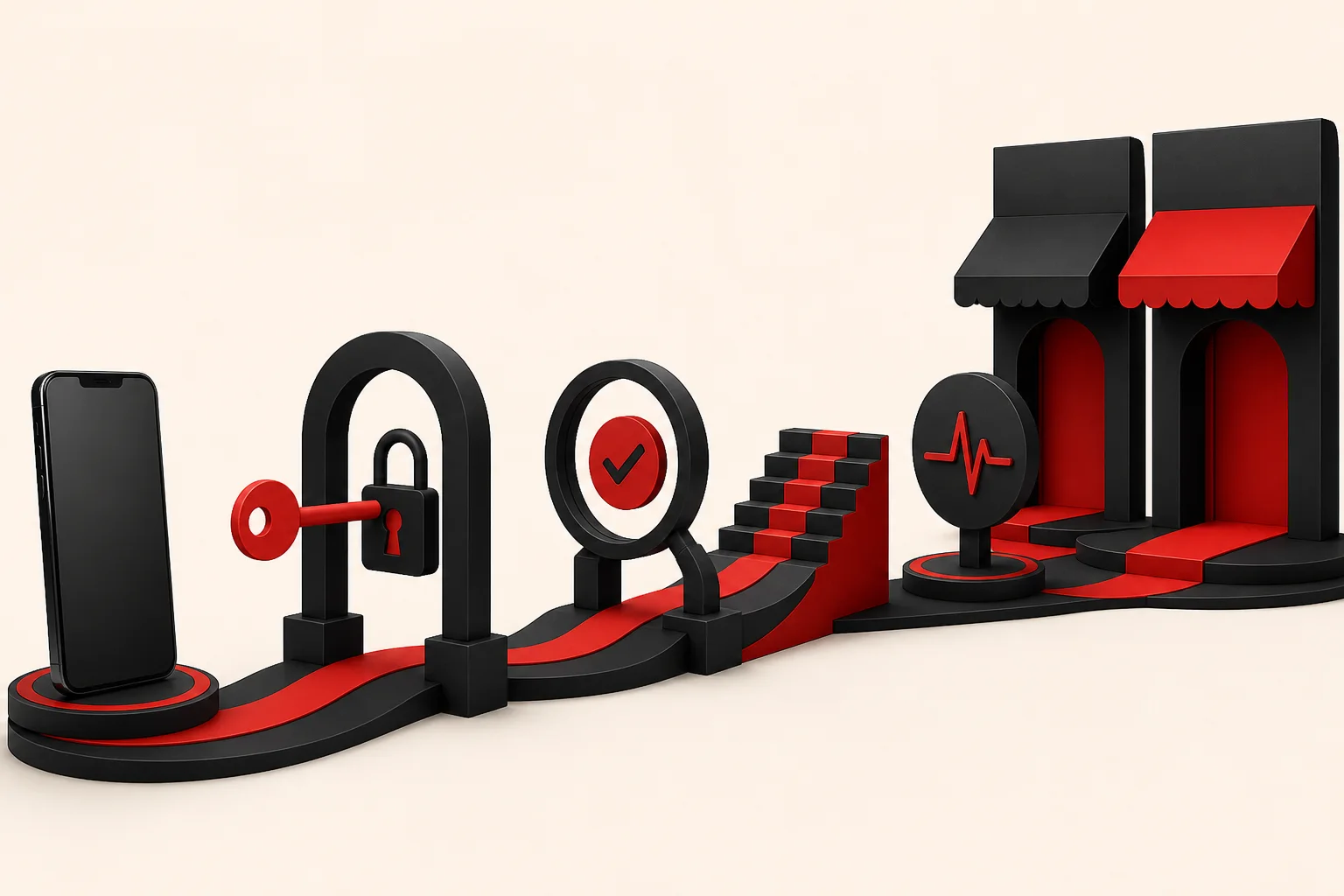

“The app works on my phone” is an important milestone. It is not the same thing as having a releasable iOS and Android product that can survive certificates, review, staged rollout, crash reports and the next version.
App-store delivery is part of product engineering, not paperwork after engineering.
A mobile build is not yet a release
Web teams can usually deploy a fix within the hour. A mobile release passes through signing, store metadata, review and phased rollout. Then it meets users who may stay on an old version for months. That changes how you think about compatibility and release risk.
Plan the shipping work early. It matters most when the product relies on deep links, notifications, background modes, subscriptions, health permissions or sensitive-data declarations.
Signing deserves adult supervision
Certificates, provisioning profiles, keystores and app identifiers — the credentials that prove a build really came from you — are boring until nobody knows who owns them. Keep them in company-controlled accounts, write down who is responsible, and automate signing where the platform supports it.
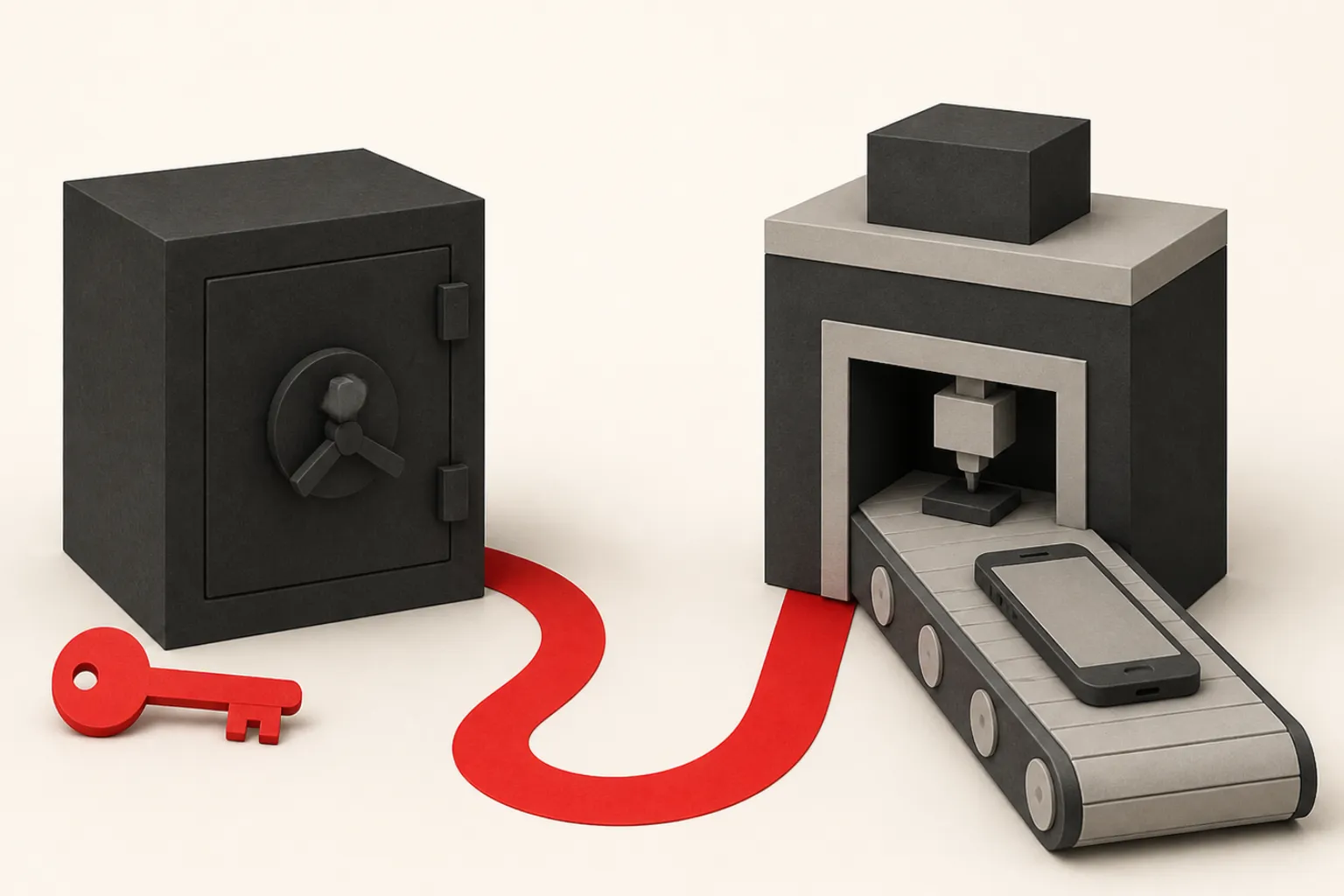
The developer who created the first keystore on a personal laptop should not become a permanent infrastructure dependency.
Store metadata is product content
Screenshots, descriptions, privacy details, age ratings, support URLs and review notes affect whether a build can ship. Gather them alongside product work rather than on the afternoon someone clicks Submit for Review.
If reviewers need a demo account, special steps or hardware context, provide it clearly.
Backward compatibility matters immediately
Once version 1 is live, version 2 has to live alongside it. Your APIs need to keep working for older copies of the app. Database and backend changes should not assume everyone updates on launch day.
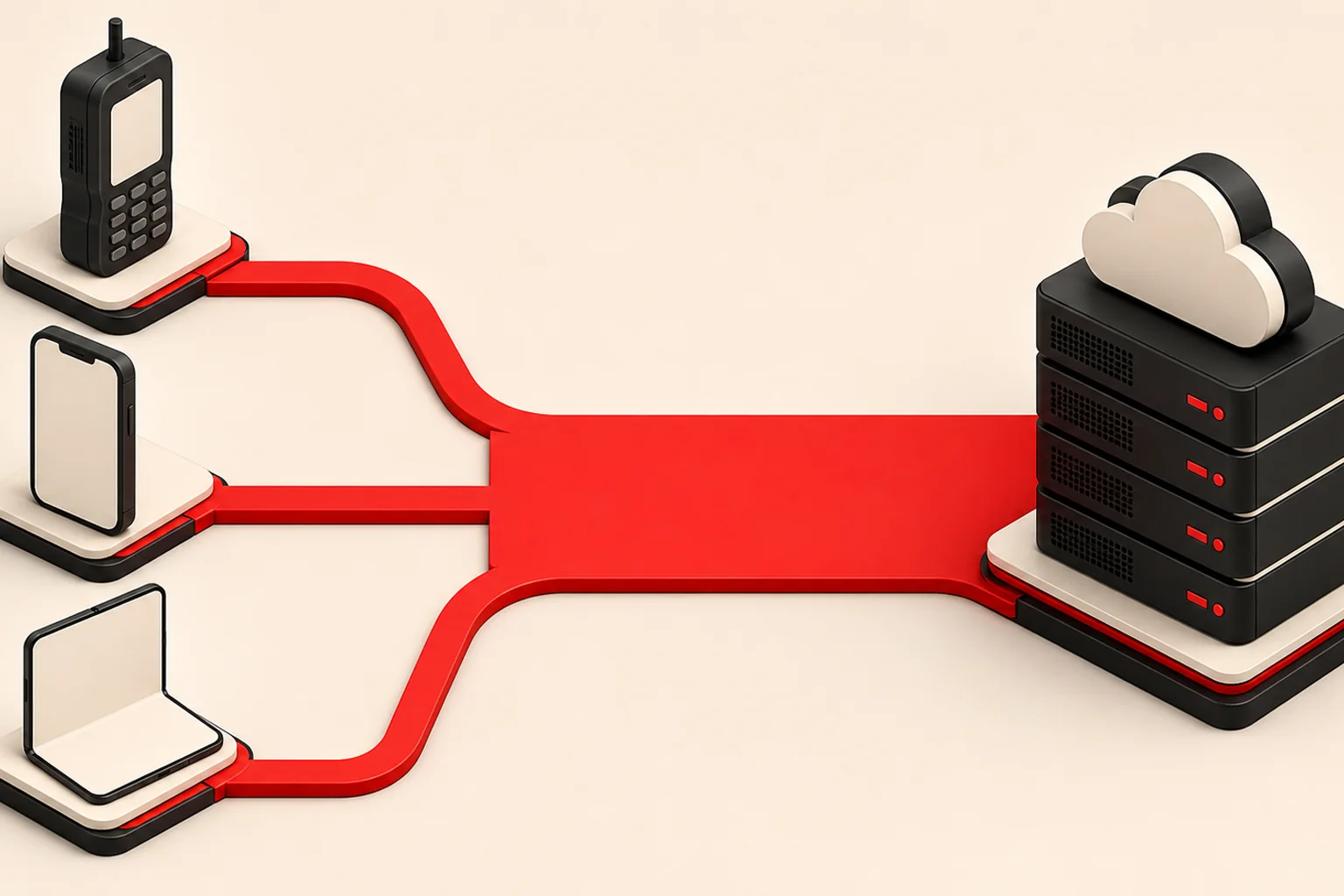
Mobile users are wonderfully independent about updates. Your backend architecture needs to respect that independence.
Use staged rollout and observability
Observability comes down to one thing: a release should tell you how it behaves outside the test team. Watch crash-free sessions, startup failures, shifts in API errors, sign-in problems and metrics for the specific feature you shipped.
Roll out gradually where you can. Put risky features behind server-side switches you can turn off without a new build, so a fix does not always mean another store review.
Release is a repeatable system
The best mobile teams make release boring. Versioning, changelog, build automation, a device and OS test matrix, internal testing, signing, submission, rollout and monitoring all follow a path everyone knows.
If every release requires archaeology in a Slack channel, the product has a release-process bug.
Shipping is a capability
A finished app is not only code. It is an organisation that can reliably build, sign, submit, observe, support and update that code.
That capability matters more after launch than before it, because the app will never again exist in only one version.